Features
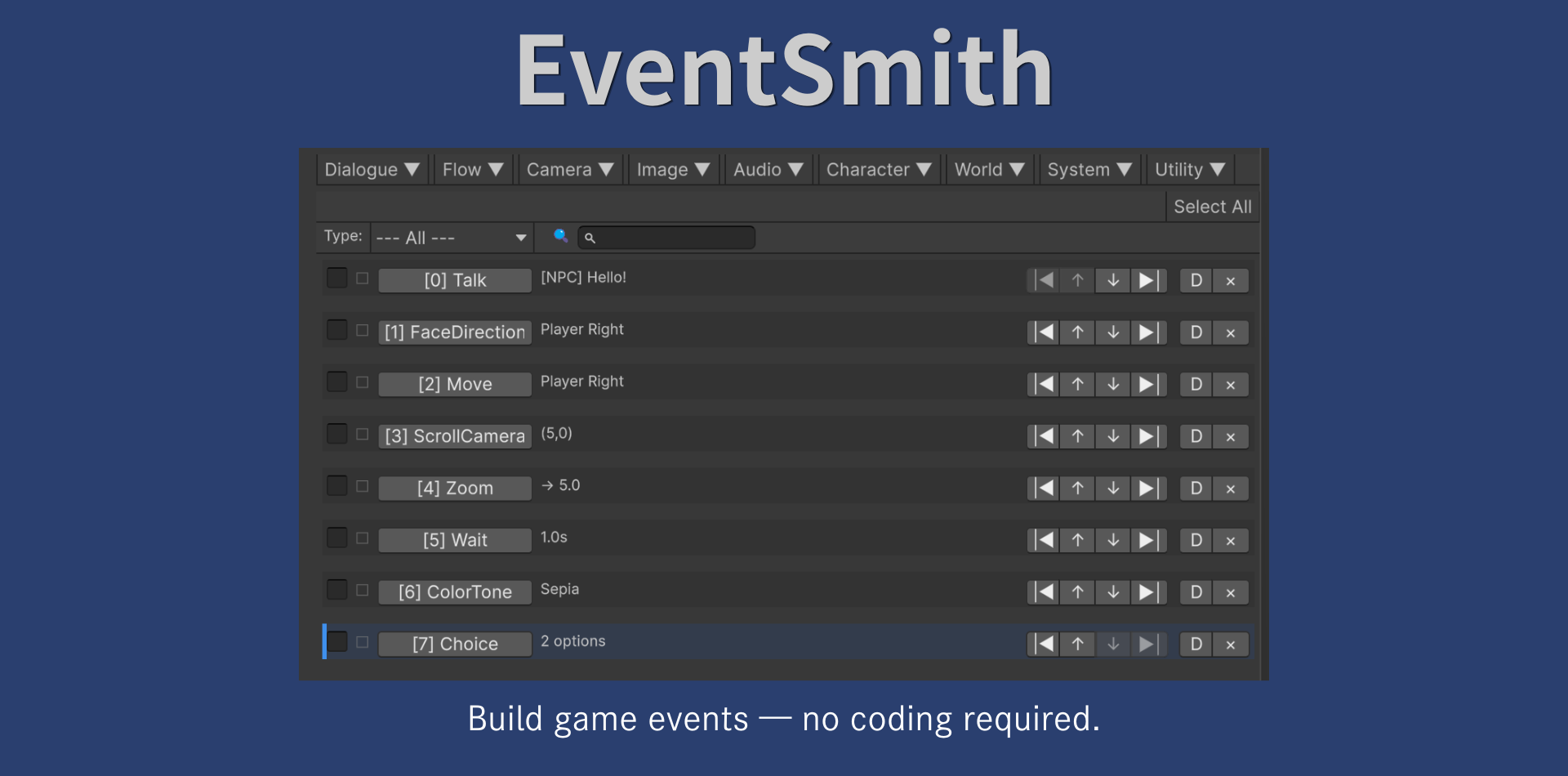
- Visual block & command editor
- Dialog with typewriter effect
- NPC & player movement commands
- Screen fade, flash, and shake
- BGM control with fade in/out
- Flag & variable system
- Choice branches & jump logic
- Cross-scene teleport support
- Color tone filter effect
- Works with Unity Built-in RP
Getting Started
- Import the package and open Window > EventSmith
- Create an EventSmith Asset (right-click in Project > Create > EventSmith)
- Add blocks and commands in the editor
- Attach EventSmithExecutor to your NPC and assign the asset
- Add the EventManager prefab to your scene
- Press Play and trigger the event!
Requirements
| Unity Version | Unity 2022.3 or later (tested on Unity 6000.3) |
| Render Pipeline | Built-in Render Pipeline |
| Platform | Windows, macOS (editor only) |
| Dependencies | None |